

From macOS to Ubuntu: Reviving a 2013 MacBook Air the Right Way
I have a MacBook Air that’s been around for more than a decade. Hardware-wise, it’s still perfectly usable — light, portable, keyboard feels great, screen is decent enough. The problem was never the hardware.
The problem was macOS.
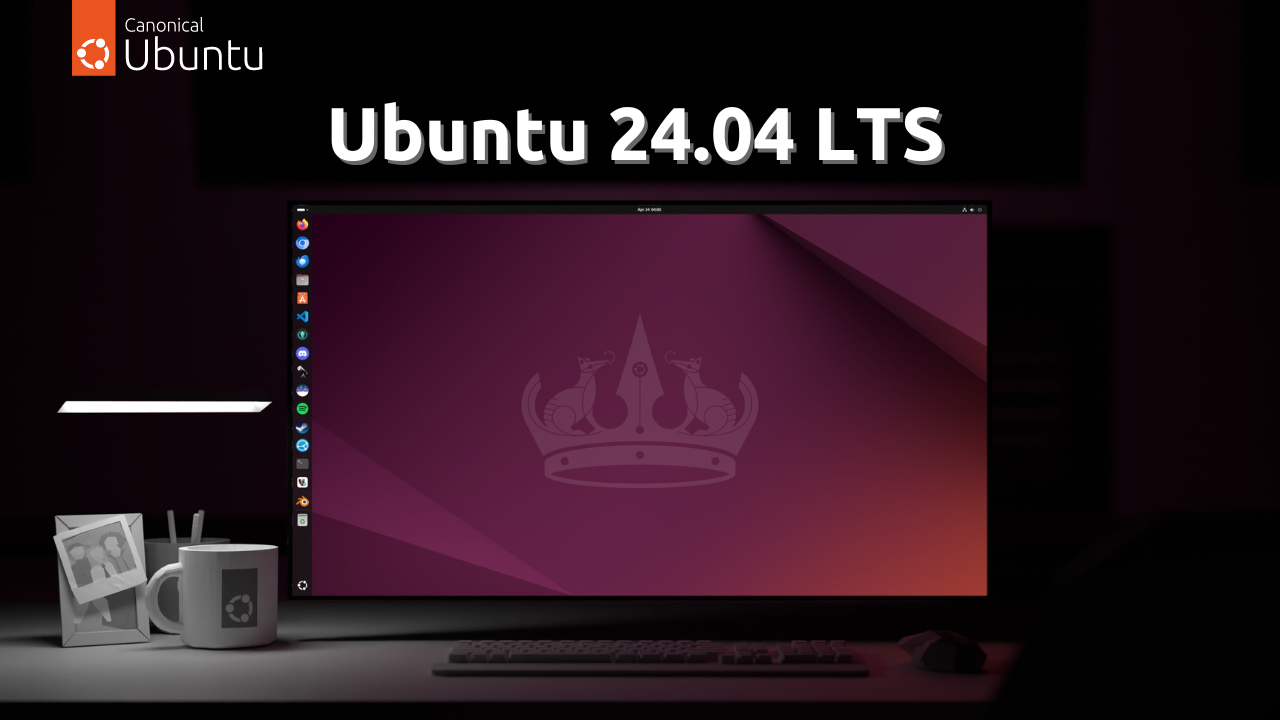
After a recent reformat, I finally decided to stop forcing this machine to live in the past and installed Ubuntu 24.04 LTS instead.
This wasn’t a decision driven by curiosity or distro-hopping. It was driven by frustration — and security concerns.
The macOS Wall I Eventually Hit
Apple has long moved on from this generation of MacBooks. The latest macOS versions no longer support it, which by itself might be acceptable… until it starts breaking basic things.
The real breaking point for me:
- Google Chrome could no longer update
- Modern apps started dropping support
- New versions demanded a newer macOS
- Security patches were effectively frozen
When your browser — the most exposed piece of software on your system — can’t be updated anymore, that’s no longer an inconvenience. That’s a risk.
I can tolerate old UI, but not running unpatched software.
That was the last straw!!
This Wasn’t Just an OS Replacement — It Was a Full Refresh
Switching to Ubuntu wasn’t just about replacing macOS. It genuinely felt like refreshing the entire machine.
Same hardware.
Completely different behaviour.
Ubuntu is significantly more lightweight on this old MacBook Air. Boot times are faster. The system feels more responsive. There’s no sense of the OS constantly fighting for resources in the background.
macOS, especially toward the later years, felt heavier with every update — more services, more restrictions, less control.
Ubuntu feels lean. Purpose-built. Direct.
Performance Gains Without Touching the Hardware
What surprised me most was how much performance I got back purely through software:
- Faster boot and shutdown
- Lower idle CPU and memory usage
- No unnecessary background processes
- System remains responsive even under load
There was no SSD upgrade.
No RAM upgrade.
Just a better-suited operating system.
For older hardware, efficiency matters far more than visual polish.
Updated Software Again — Without Artificial Limits
The biggest relief after the switch?
Everything updates properly again. Browsers, packages, libraries — all current, all patched.
No more:
- “Requires newer macOS”
- “This version is no longer supported”
- Being stuck on vulnerable builds
On Ubuntu, updates aren’t gated by hardware age. If it runs, it runs — and it gets security fixes.
That alone justifies the migration.
Still Unix, But With Real Control
Yes, macOS is Unix-based — but it’s a curated Unix.
Ubuntu is Unix without the leash.
As someone who’s been in systems and network engineering for years, this matters a lot.
With Ubuntu, I get:
- Full OS-level control
- Real package management
- No vendor lock-in
- No hidden system limitations
And if I want to go further, I can.
A Hackable Workhorse Instead of a Consumer Device
This is the part I genuinely enjoy.
If I wanted to, I could:
- Install Ubuntu Server
- Run containers and services
- Deploy open-source tooling
- Turn this into a portable lab
- Build, break, rebuild — endlessly
Everything that matters in my line of work runs comfortably on Linux:
- Open-source infrastructure tools
- Network utilities
- Automation scripts
- Development environments
This laptop is no longer a “consumer device”.
It’s a hackable OS playground.
In many ways, it feels like running a hack OS — something you shape entirely around your workflow, not the other way around.
Why This Move Actually Makes Sense
For someone outside tech, this might look like “Linux on an old laptop”.
For me, it’s more than that.
It’s:
- Control over my environment
- Freedom from forced obsolescence
- A system aligned with how I actually work
Apple made their decision years ago. That’s fine.
I made mine now.
Instead of letting software obsolescence decide the fate of perfectly capable hardware, I chose an OS that still respects it.
Ubuntu didn’t just revive this MacBook Air — it unlocked it.