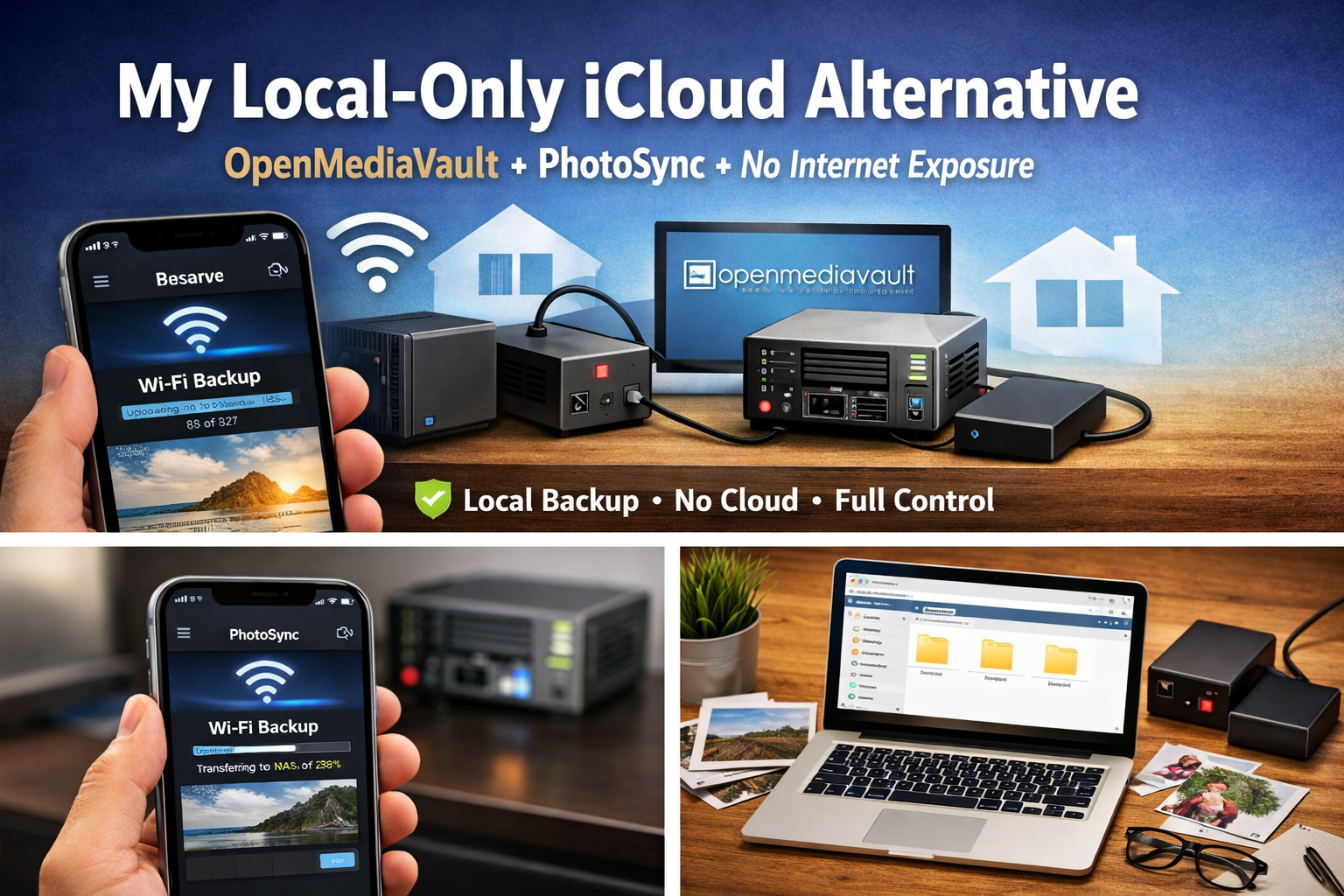
My Local-Only iCloud Alternative: OpenMediaVault + PhotoSync Without Internet Exposure
I replaced iCloud Photos with a local-only setup using OpenMediaVault and PhotoSync. No internet exposure, no mobile data usage, and full control over my photo backups.
Why I Intentionally Avoid Cloud Photo Backups
I didn’t replace iCloud because it was “bad”.
I replaced it because it didn’t match how I actually live and use my devices.
With Apple iCloud Photos:
- Backups can happen anytime, anywhere
- Mobile data gets used silently
- Storage grows without restraint
- You pay monthly just to keep existing photos
I wanted something different:
- Backup only when I’m home
- Zero internet exposure
- Zero mobile data usage
- Storage I can browse, audit, and clean up easily
So I designed my setup around that.
The Core Principle: Local-Only by Design
This is important:
- No port forwarding
- No public IP
- No reverse proxy
- No “just in case” access
Everything happens inside my home network only.
That single decision:
- Reduces attack surface
- Eliminates cloud trust issues
- Simplifies security dramatically
My Actual Setup (Real-World, Not Theory)
Virtualisation & Storage
- Proxmox VE as my home hypervisor
- OpenMediaVault running as a VM
- External HDD physically connected to the home server
- Disk passed directly into the OMV VM
This gives me:
- Hardware flexibility
- Simple storage expansion
- Clean separation between host and storage OS
How Photo Backups Work (iCloud-Style, But Local)
On iOS, I use PhotoSync
This is where the magic happens.
Backup Logic
- PhotoSync only runs when I’m connected to home Wi-Fi
- No backups over mobile data
- No background uploads outside my house
- No internet dependency at all
Daily Reality
- I come home
- iPhone connects to Wi-Fi
- PhotoSync detects the network
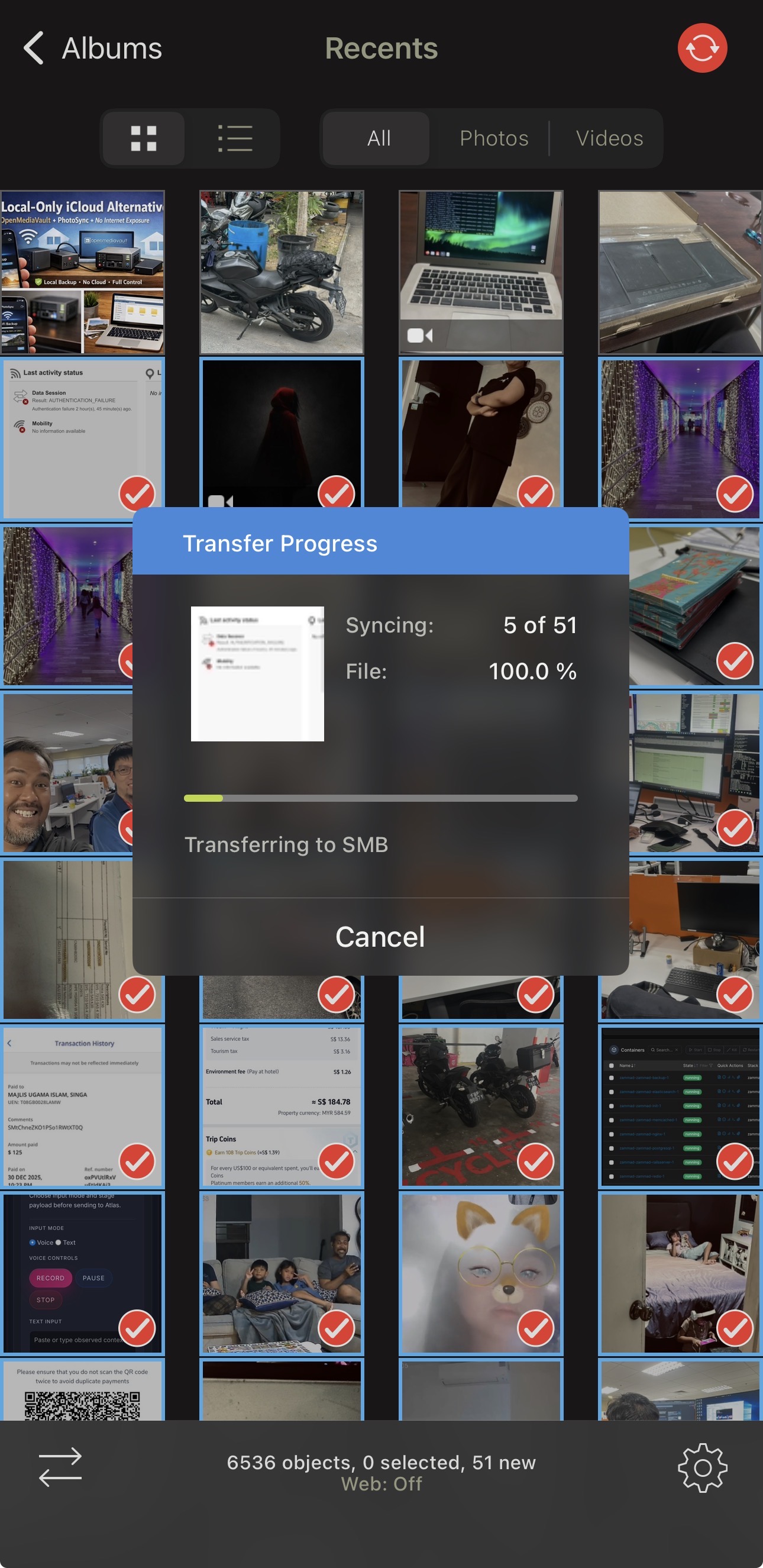
- Photos sync to OMV via SMB
- Backup completes quietly
From a usability perspective, it behaves like iCloud —but only within my own network.
Zero Internet Exposure = Real Peace of Mind
Because OMV is local-only:
- Photos never leave my house
- No public endpoints to secure
- No certificates, no reverse proxies
- No constant patch anxiety
For backups, offline-first beats cloud-first every time.
Saving Money on Mobile Data (Underrated Benefit)
This part doesn’t get talked about enough.
With iCloud:
- Photos sync whenever Apple decides
- Mobile data usage creeps up
- You don’t always notice until the bill arrives
With my setup:
- No mobile photo uploads
- No background sync over 5G
- Wi-Fi only, always
That alone justifies the setup for me.
OMV as a Network Drive (This Is the Killer Feature)
My OMV storage isn’t just a dump target.
I mount it as a network drive on my PC.
That means:
- I can browse photos like normal files
- Review images comfortably on a large screen
- Delete junk photos properly
- Keep what matters, remove what doesn’t
This turns backups into an active workflow, not a black hole.
Why I Prefer Files Over “Smart Photo Clouds”
Cloud photo platforms love:
- Abstracted libraries
- Hidden indexes
- Sync logic you don’t control
My OMV setup gives me:
- Plain folders
- Predictable structure
- No vendor lock-in
- Easy secondary backups
If OMV dies tomorrow, my photos are still just… files.
Who This Setup Is Perfect For
This approach works best if you:
- Want a self-hosted iCloud alternative
- Prefer local-only access
- Care about privacy and cost control
- Already have (or want) a home server
It’s not ideal if you:
- Need global access to photos anytime
- Want zero maintenance
- Don’t want to think about storage at all